


What is burn rate?
Burn rate is how fast your business spends its cash. It’s the money going out each month that isn’t covered by revenue. Startups track it closely in the early stages, before the business is profitable, and every dollar of runway counts, especially once your startup costs are behind you and ongoing spend is the real number to watch.
There are two numbers to know:
Gross burn rate = Total monthly expenses
This is everything you spend in a month. Salaries, rent, software, marketing. If your total monthly expenses are $75,000, your gross burn is $75,000.
Net burn rate = Total monthly expenses − Monthly revenue
This is the number that actually matters. It tells you how much cash you’re losing each month after revenue comes in. Spend $75,000, earn $25,000, and your net burn is $50,000.
From there, the runway is straightforward:
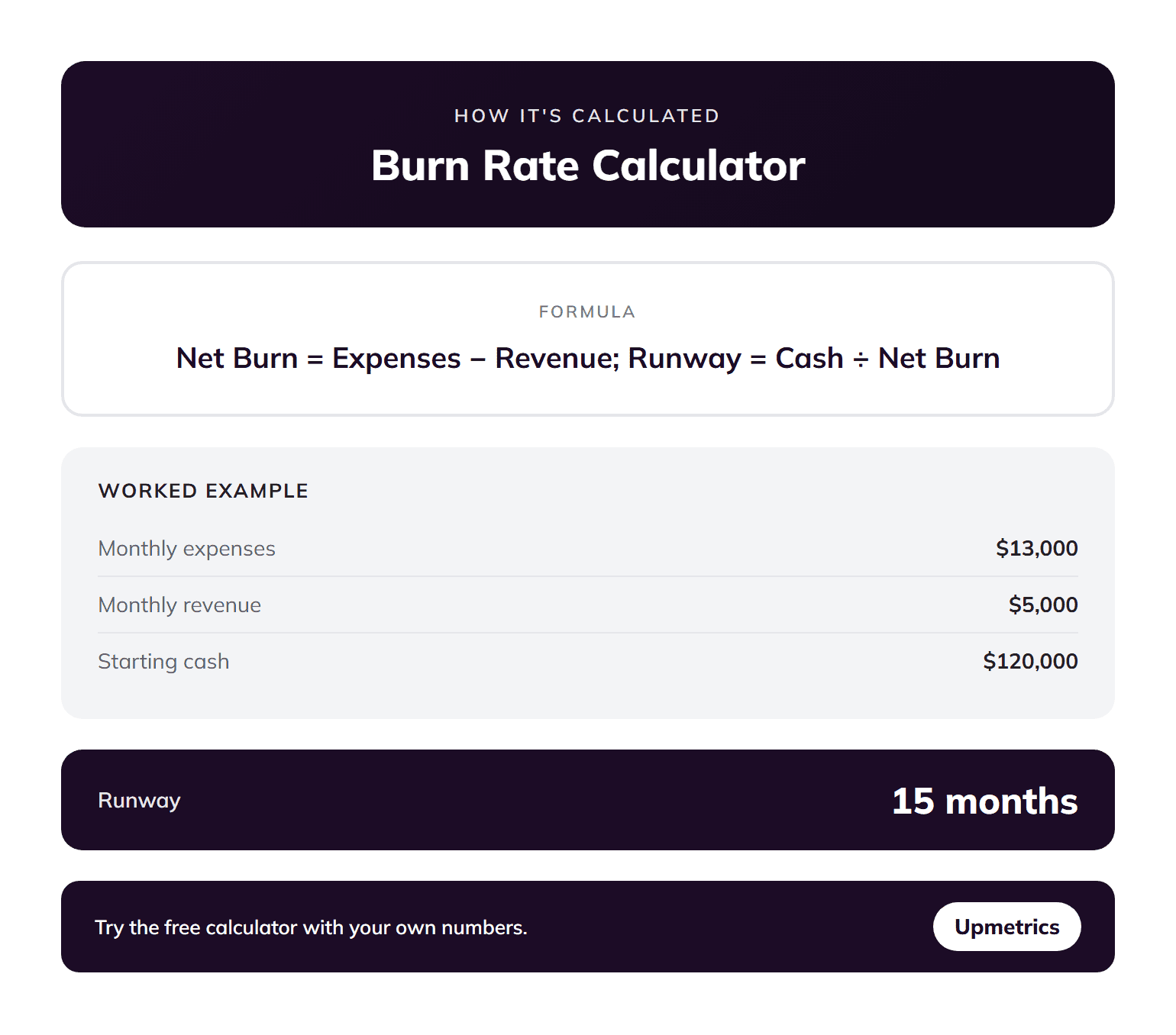
Runway (months) = Cash balance ÷ Monthly net burn
Say a startup has $600,000 in the bank and a net burn of $50,000 a month. That’s 12 months of runway. Enough time to grow, but not enough time to be comfortable.
One thing to note: You need to use collected revenue, not invoiced revenue. If a client owes you $15,000 but hasn’t paid, that money isn’t in your account yet. It shouldn’t reduce your burn number. Cash in hand is the only cash that counts.
How to use this burn rate calculator?
The calculator runs in three steps. Here’s what to enter at each one.
Step 1: Starting cash balance
This is the total cash your business has right now, or the amount you’re starting with. Include cash in your business bank accounts.
Don’t include credit lines you haven’t drawn on, or receivables you haven’t collected yet. You want the actual dollars available today.
Step 2: Monthly expenses
Break your spending into the five categories: salaries, office rent, marketing, software and tools, and other expenses. If a cost doesn’t fit neatly into the first four, put it in “other.”
A common miss here: one-off costs that happen to fall in a given month. A $3,000 equipment repair isn’t really a monthly expense. Use your typical month, not your worst one.
Step 3: Monthly revenue and growth rate
Enter what you actually collect each month, not what you invoice. If you invoiced $20,000 but only collected $12,000, use $12,000.
The growth rate field is optional, but worth using. If you’re growing at 5% a month, the calculator will factor that into how long your runway actually lasts. Leave it at 0% for a conservative baseline.
How to read your results?
Here’s how to read your results:
- Monthly burn rate: This is your net burn: total monthly expenses minus monthly revenue.
- Startup runway: This is how many months your cash will last at your current burn rate. It divides your starting cash balance by your monthly net burn.
- Cash after 12 months: This shows your projected cash balance one year from now. If the number is negative, you’ll run out of money.
- Recommended runway: The calculator flags 18 months as the target. It gives you enough time to raise funding, adjust your strategy, and recover if things don’t go as planned.
How to reduce your burn rate?
Reducing burn rate means lowering the amount of cash your business spends each month. Start by reviewing last month’s bank statement to identify expenses that are no longer necessary.
There are three common ways businesses reduce burn rate without affecting core operations.
1. Cancel unused subscriptions
Review your expenses line by line. Software subscriptions and tools that are no longer used are often the easiest costs to remove.
2. Delay non-revenue hiring
Every new hire increases your monthly burn. If the role does not directly generate or protect revenue in the next 90 days, the hiring decision can usually wait.
3. Accelerate revenue, not just cut costs
Cutting costs can extend your runway, but increasing revenue is often safer. Focus on quick ways to bring in cash, like annual payment discounts, faster sales, or a simpler offer.